
Setup Wizard
Eight short steps from model to pour. It generates the tree and the burnout plan in one go, and Cancel puts every setting back.
Free lost-wax casting planner
Open a 3D model of your piece and Alchemy Cast builds the sprue tree for your flask, metal and casting method. Then it walks you through the whole casting day: investment, burnout and kiln program, alloying, the job quote, and a log of every cast.
How it works
The Setup Wizard asks about your pattern, investment, flask, metal and casting method, then sets up every page to match. Change anything later and the rest follows.
STL, OBJ or 3MF. Load several parts, each with its own quantity, to cast them in one pour.
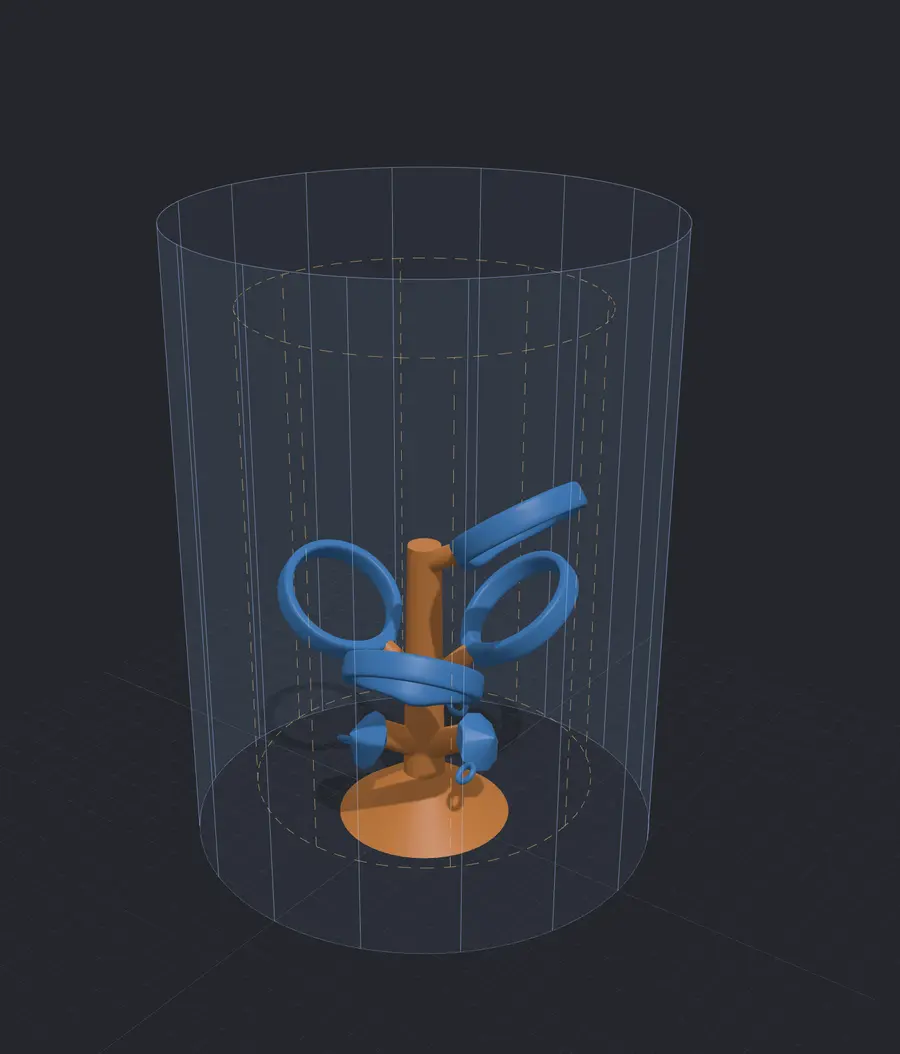
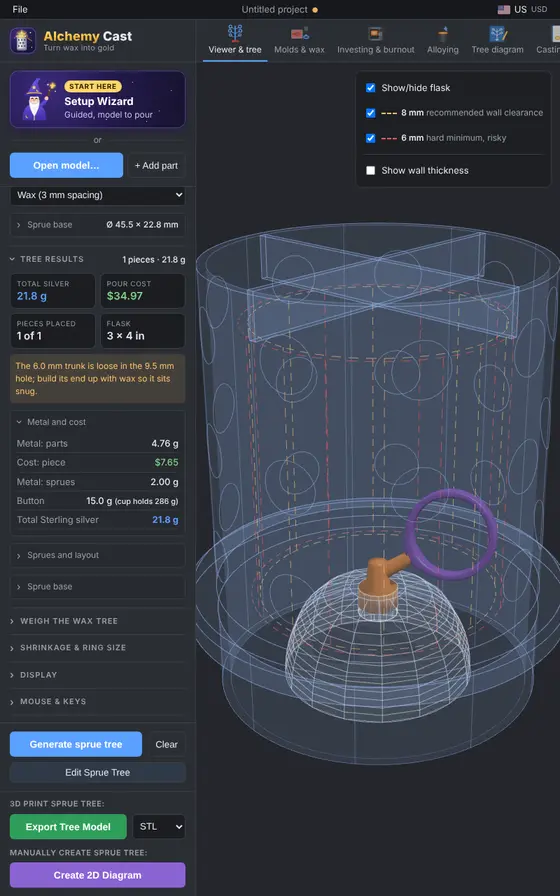
Auto-sprue sizes the feeds, trunk and button and lays the pieces out in the flask with safe clearances.
Powder and water amounts, a mix timer, the burnout chart and a kiln program in your controller's own words.
Weigh the tree for the metal you need, then log the result. The troubleshooter helps when a cast goes wrong.
Features
Tap any picture to see it full size.
Eight short steps from model to pour. It generates the tree and the burnout plan in one go, and Cancel puts every setting back.
Auto-sprue for centrifugal, vacuum or tilt casting. Then move, turn or scale any piece, and the feeds follow. A 14-rule tree check runs before you export.
Colours the model by thickness, flags spots too thin to fill, and checks the feed meets the heaviest section. Shrinkage scaling and a ring-size helper keep rings true to size.
Export the tree as STL or 3MF for a resin printer, or print a build sheet with a cut list matched to standard wax wire and rod.
Investment data from 9 makers, powder and water for any flask, a mix timer, and a plan worked backwards from when you want to pour.
Your cycle as segments for 12 kiln controllers, in the words the display shows, with the key presses to enter it. Print it to keep by the kiln.
Pick from 29 stones to see which survive the burnout. The cycle is held under the safe limit, with the sources for every figure.
Recipes for about 40 precious and base alloys, and a calculator that turns one into grams of each metal, with live spot prices.
Frame fit, cure times for 16 rubbers, master sizing for shrinkage, settings for 20 injection waxes, and a printable mold label.
Metal, investment, wax or resin, kiln energy, finishing loss and labour add up to a quote per piece, in your local currency.
Every cast with its settings, result and photos. After a few casts it learns your real melt loss and how your trees weigh against the estimate.
Pick what went wrong, such as porosity, incomplete fill or fins, and see the likely causes and the setting to change.
A catalogue of casting supplies with links to stores that serve your country, plus a safety checklist and a reading list.
At the bench
Alchemy Cast runs in any modern browser. Install it and it opens in its own window, keeps working without internet, and updates itself.
Learn and share
A manual, how-to videos and a place to show your casts are being put together.
Every page of the app explained, step by step.
Coming soonShort videos from loading a model to the pour.
Coming soonAsk questions and swap tips with other casters.
Coming soonPieces cast with Alchemy Cast, from tree to finish.
Coming soonStart the Setup Wizard with an STL, OBJ or 3MF file and have a tree in a few minutes.
Open the app